
Monday – Friday: 9am – 8pm
Sunday & Saturday: 11am – 5pm
Sunday & Saturday: 11am – 5pm
Copyright © 2024. All Right Reserved.

No products in the cart.
Since it is more expensive, less environmentally friendly, and there is a chance of disc scratches, we do not offer this on DVD. Additionally, video files on USB Flash drives can have higher quality than on DVDs.

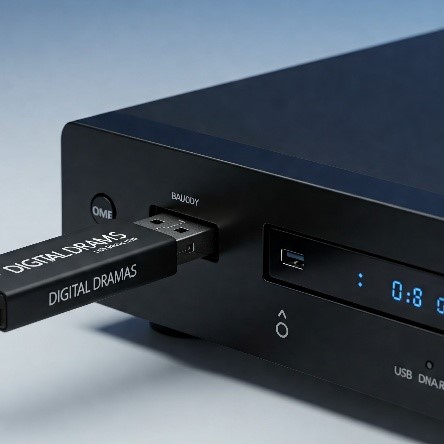
However, if the DVD player has a free USB port and supports MP4 or MKV video formats (h.264 codec), you may attach the supplied USB memory stick into the USB port and use the DVD player remote control to select and play the episodes.
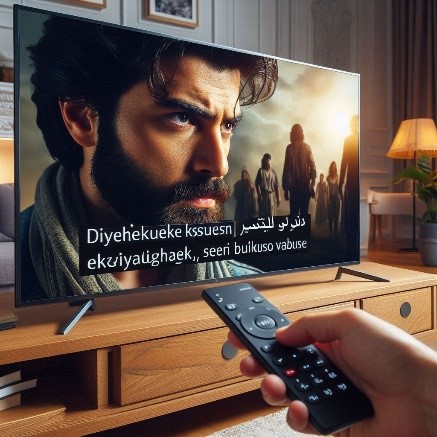
Hardcoded subtitles are permanently etched on to the picture and cannot be deactivated or removed.
Contrarily, the appearance of Soft-Subtitles can be controlled from the Media Player / TV menu be enabling them to appear on the screen or by turning them off entirely. If there are more than one subtitle languages, their selection can also be made here.
While it is feasible to play videos on MacOS if there is a free USB port, it is vital to keep in mind that Quicktime, Apple’s native program, does not like playing certain file types.
Please note the following restrictions:

An excellent free substitute is VLC Media for Mac, which is available to downloaded from here:
For improved codec compatibility and hardware acceleration, we also advise using VLC Media Player on Windows computers and laptops. The download link is here:
Enabling or changing subtitles (if applicable) is equally simple. Instructions with images on how to enable / disable subtitles are found here:
[VLC Subtitles Windows]
[VLC Subtitles MacOS]
Please ensure the following:
a. Is there a free USB port, that accepts the format: FAT32?
b. Can the TV play MKV / MP4 video format using the h.264 codec?
c. Can the TV read .SRT subtitle files with western encoding or UTF-8
Please be diligent and check compatibility of the device(s) before purchasing. Other devices in the household may also be compatible such as DVD Players or Blu-Ray players. The best places to check would be:
The subtitles that come with your selected drama are “soft-subtitles,” which are meant to replicate the DVD/Blu Ray experience. This implies that they can be manually turned on and off.
The subtitles are turned off by default on compatible televisions. Although each TV will have different instructions for turning on captions, the general steps are as follows:
Copyright © 2024. All Right Reserved.